About and theming
Two small conveniences round out the app: the About tab (program identity plus the documentation, bundled offline) and the theme control.
The About tab
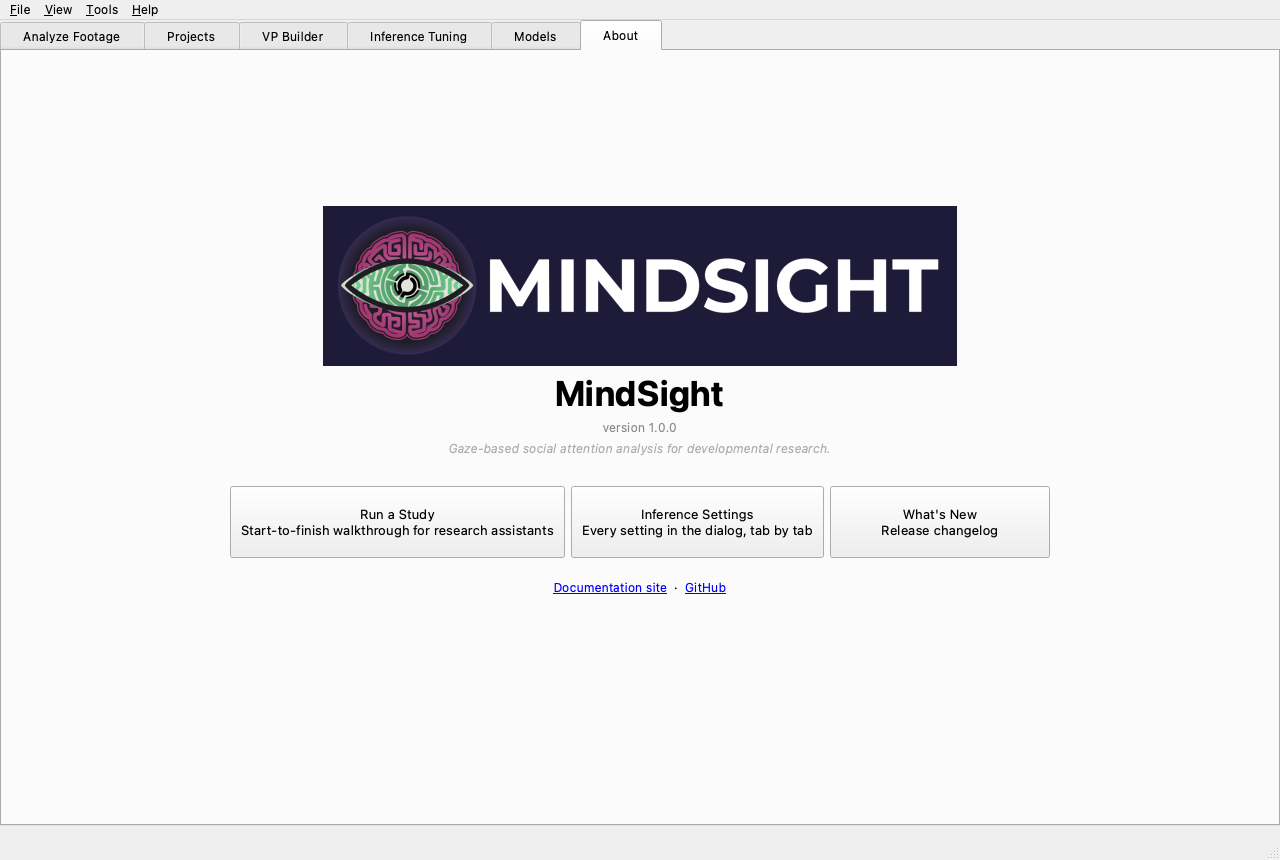
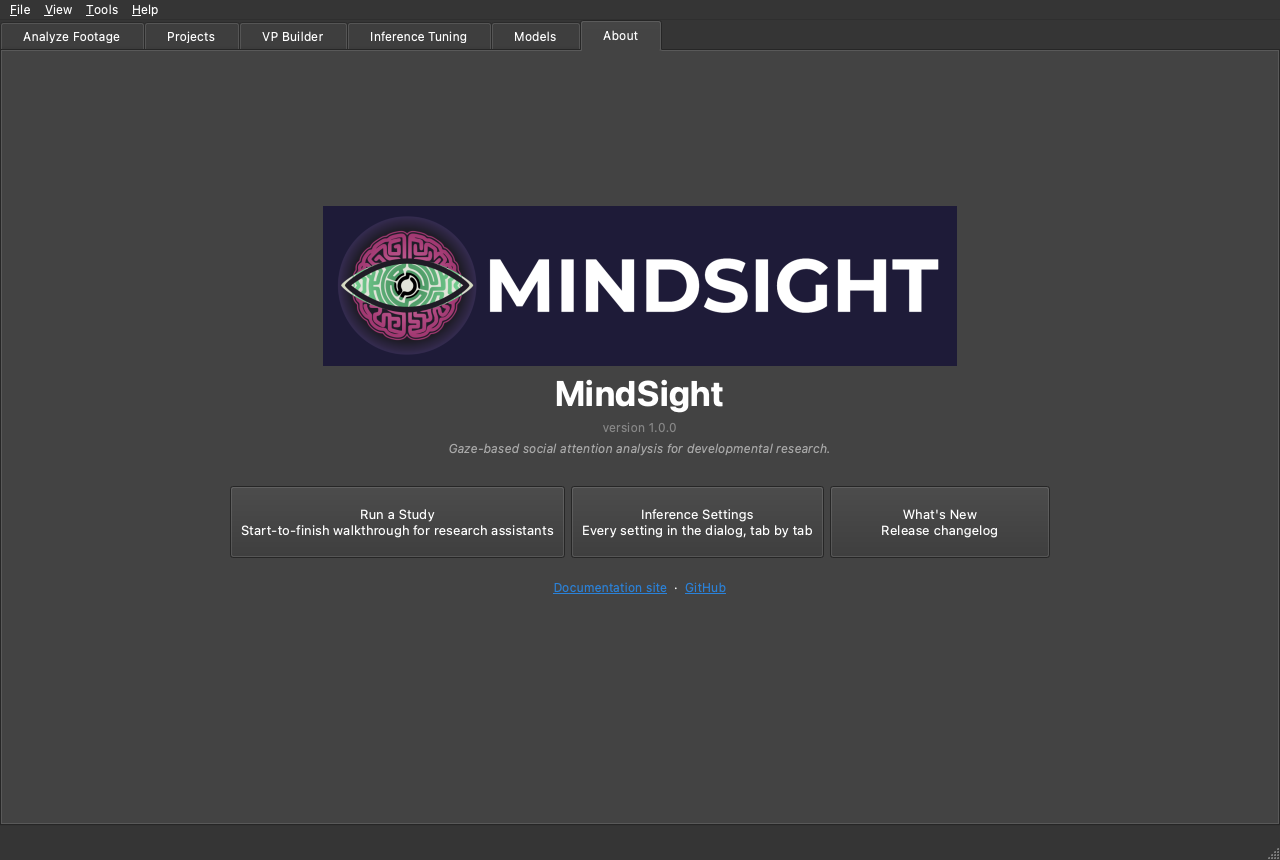
The About tab opens with a hero showing the version and project links, below which is a set of guide cards. The docs are bundled inside the app, so these open even with no internet connection:
- Run a Study -- the start-to-finish walkthrough for research assistants.
- Inference Settings -- every setting in the dialog, tab by tab.
- What's New -- the release changelog.
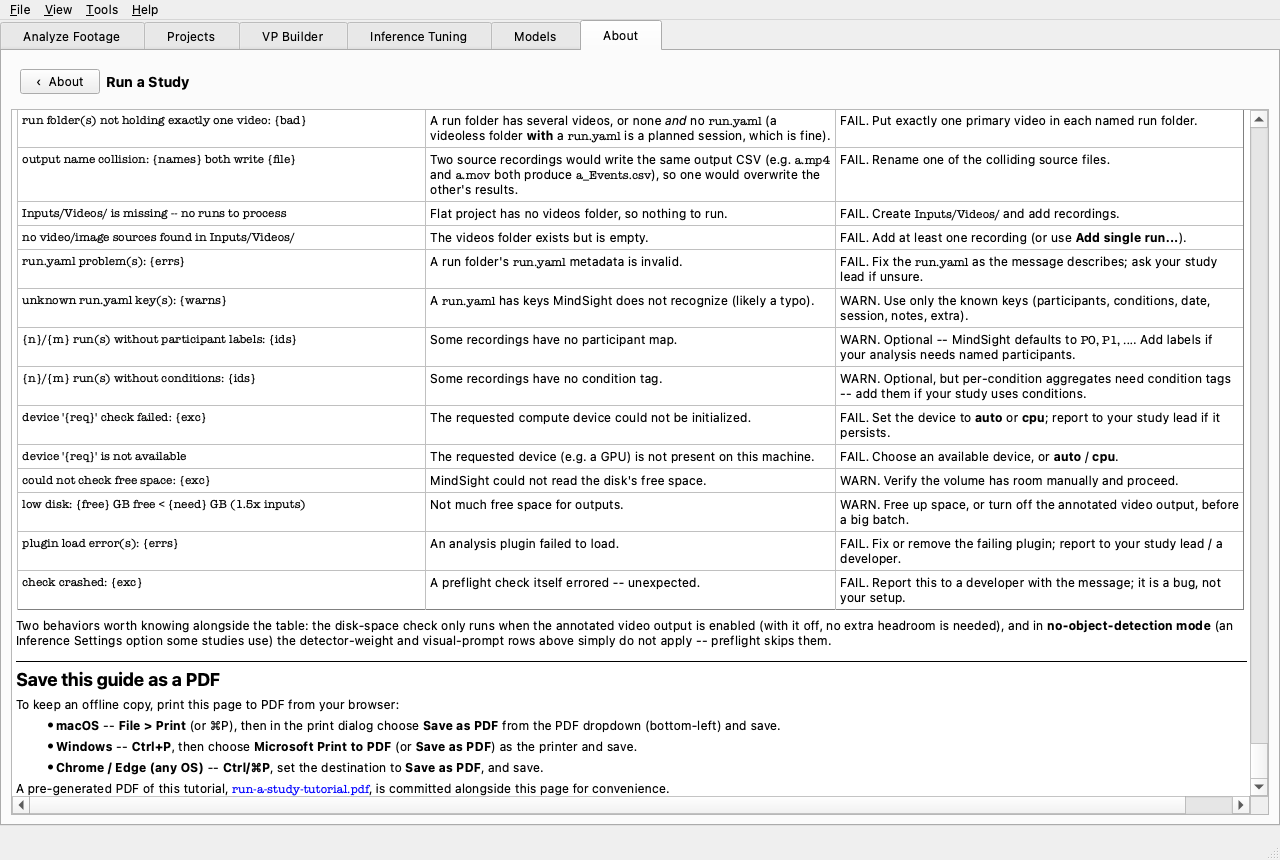
Clicking a card opens the document in an in-app reader. The reader behaves sensibly about links: internal links (to other bundled docs) stay inside the reader, while external links open in your web browser.
🎬 Demo coming soon -- SHOT:about-reader
About: click a guide card, the doc opens in the in-app reader; an internal link stays in-app while an external link opens the browser.
The in-app reader is plain
The reader renders a simplified flavour of Markdown, so these guide pages are written in reader-safe syntax. Cross-links to a specific heading open the right page but scroll to its top rather than the exact anchor -- if a link seems to land "at the top", that is expected inside the app. The full site (this documentation) renders everything normally.
Theming
View > Theme offers three modes:
- Auto -- follows the operating system's light/dark setting, live. This is the default.
- Light -- force the light scheme.
- Dark -- force the dark scheme.
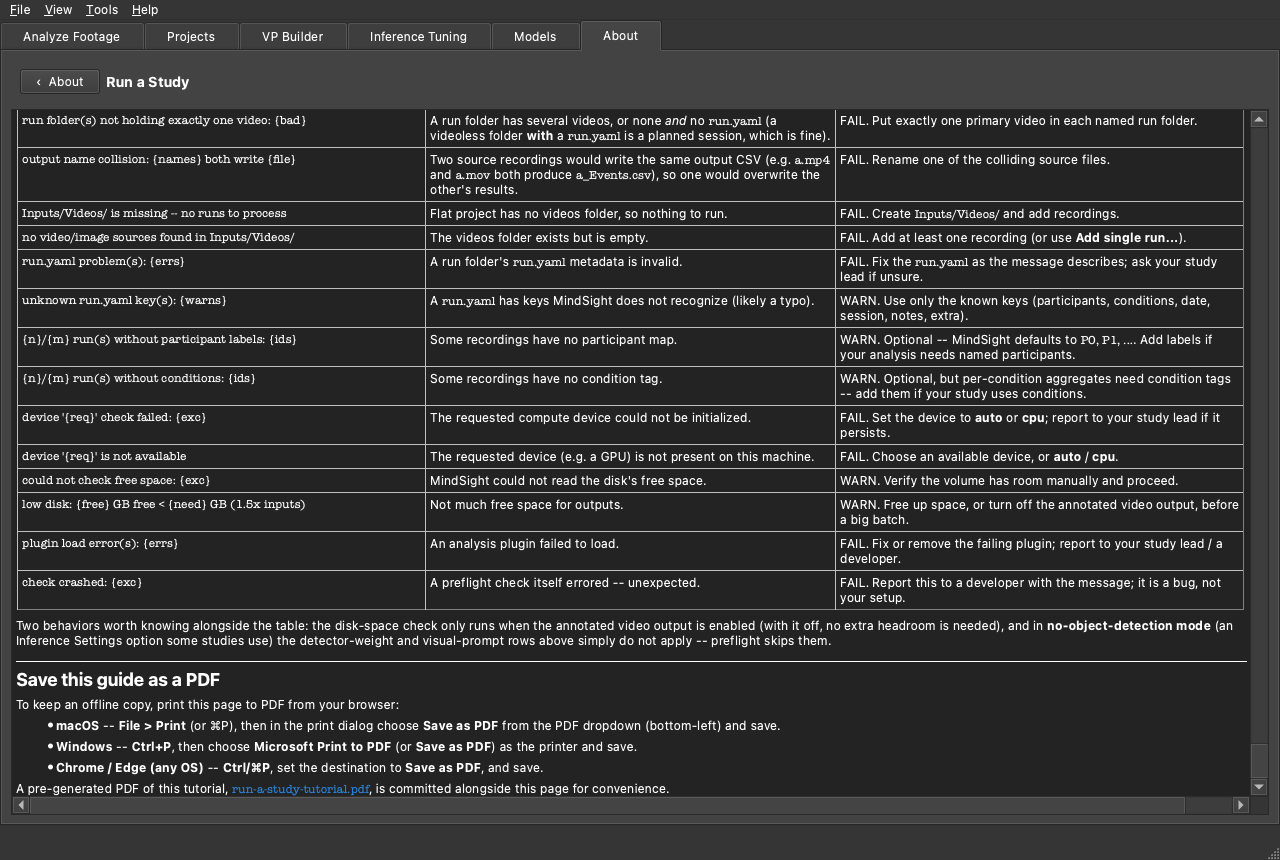
MindSight uses the native Qt colour scheme, so the whole window recolours at once. This requires Qt 6.8 or newer; on older Qt builds the control is a no-op and the app simply follows the OS. The same window, both ways:
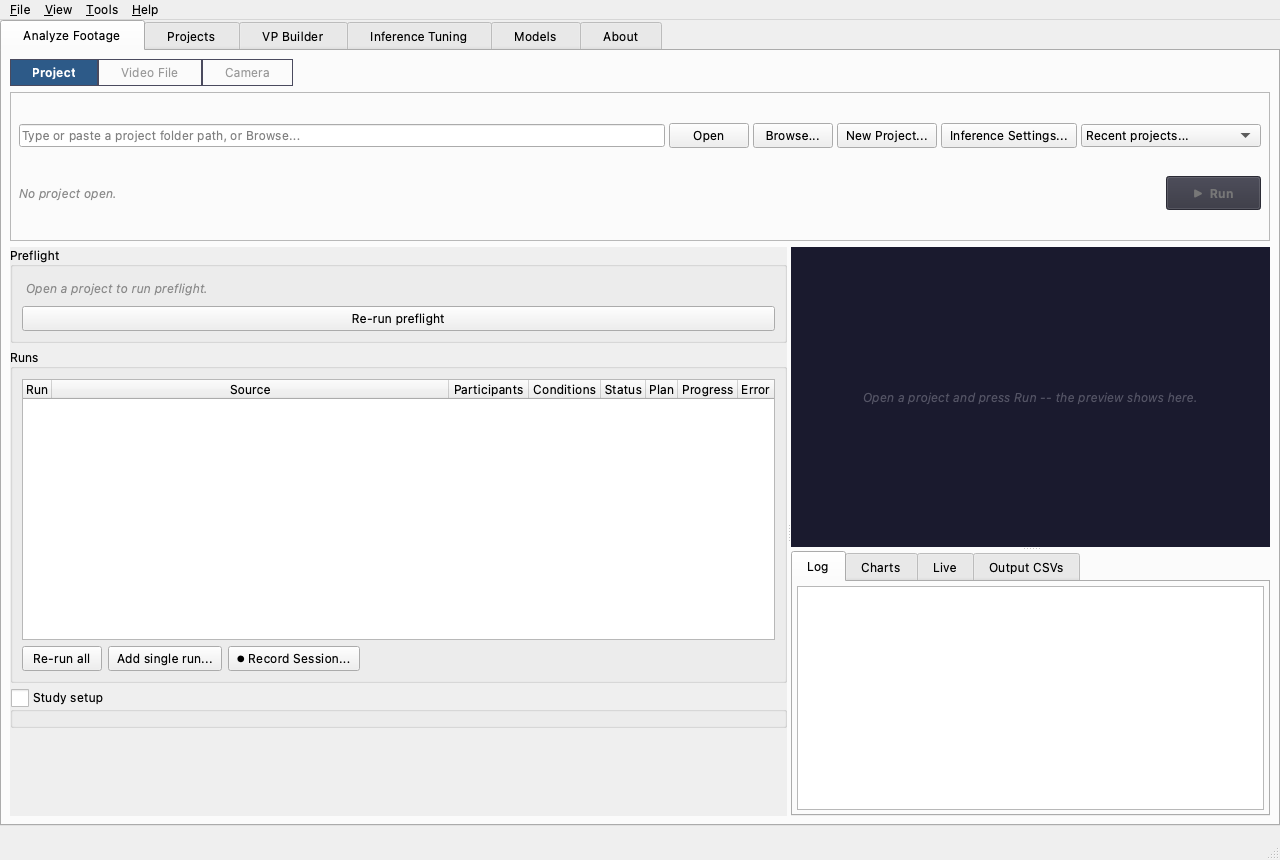
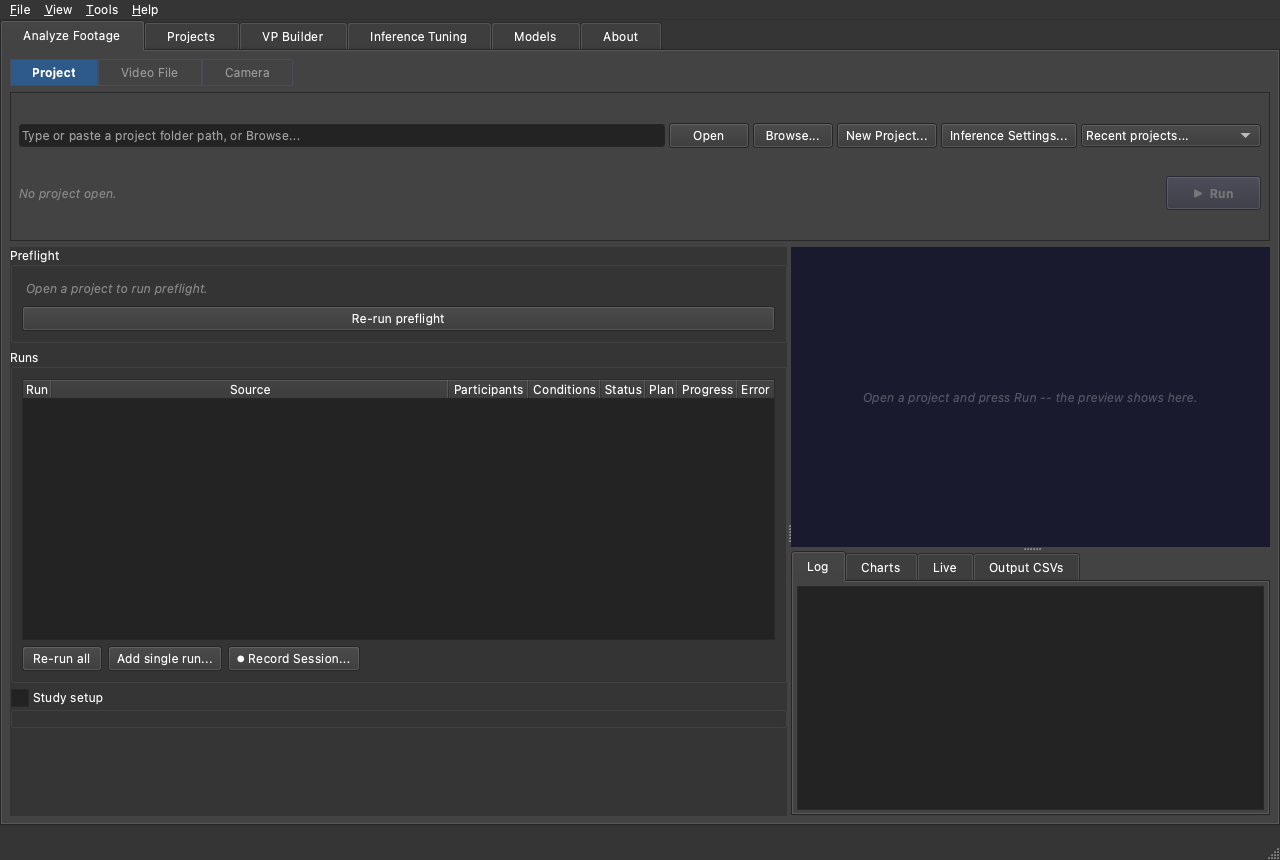
🎬 Demo coming soon -- SHOT:theme-toggle
View > Theme switched auto -> light -> dark, recolouring the whole window live.
See also
- GUI Tour -- the menu bar the Theme control lives in.
- Where things live -- where the app stores your last theme choice.